

OTP Done Right: Expiry, Retries and Stopping Abuse
Sending an SMS code takes an afternoon. Making it hard to abuse takes a few deliberate choices. Here are the ones that matter most.
Building an OTP flow is quick. Building one that holds up when people try to abuse it takes a handful of decisions made on purpose.
Let's go through them one at a time, using plain examples.
1. How long should the code be?
Six digits is the usual sweet spot. It's easy to type and hard to guess (one in a million). Four digits is easier for users but only 10,000 possibilities, so it's only safe if you're very strict about limiting attempts.
Two more points. Make sure your system uses a properly random generator, not something predictable like the time of day. And stick to digits so nobody confuses a zero with the letter O.
2. How long should it last?
Think of an OTP like a ticket that's only valid for a few minutes. If it lasts an hour, an attacker has an hour to use it. Five to ten minutes is right for most apps.
Tell the user how long they have ("expires in 10 minutes") and make sure a code stops working the moment it's used. One code, one use.
3. Limit wrong guesses
This is the rule that makes short codes safe. After a few wrong tries, say three to five, throw the code away and make the user ask for a new one.
Why does it matter so much? Without a limit, a computer can try all million six-digit codes in minutes. With a limit, an attacker gets only a few shots at a one-in-a-million guess. On IdentifyOrg, this is enforced on the server, so too many wrong attempts simply make that verification unusable.
4. Don't store the code itself
You only ever need to compare what the user typed with what you sent. So store a scrambled version (a salted hash) instead of the real code. If your database ever leaks, a list of live codes in plain text would be a gift to attackers.
5. Limit how often you send
Without limits, your "send code" button is a free text-message cannon for anyone who finds it. Set limits:
- Per phone number: only a handful of codes a day to any one number. That stops people using your app to harass someone.
- Per account or API key: a cap per hour, so a runaway script can't send thousands.
- Per device or IP: a helpful extra signal.
This also protects you from something called SMS pumping, where attackers trigger loads of messages to premium numbers they profit from, and you get the bill. IdentifyOrg applies limits per customer and per number before anything is charged, and you can change them from the admin settings.
6. Handle the "Resend" button thoughtfully
- Make users wait 30 to 60 seconds before they can ask again.
- When a new code is sent, make the old one stop working (or only accept the latest).
- Don't say whether a number has an account. "If that number exists, we've sent a code" gives nothing away to someone fishing for customers.
7. Write the text message well
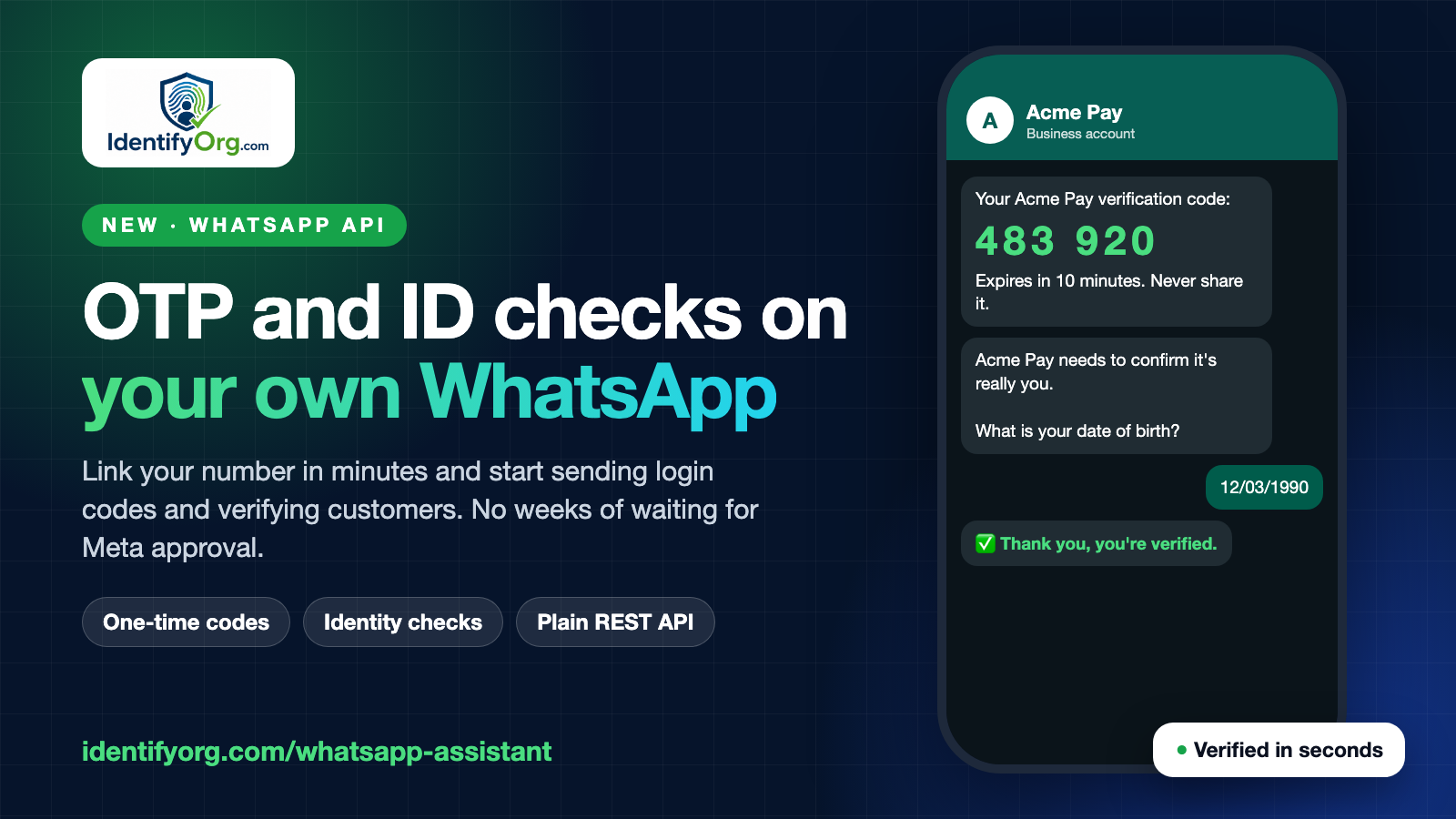
A good message puts the code first, then the app name, then a short warning:
418209 is your Acme code. It expires in 10 minutes. Never share it with anyone.
That warning matters. The most common real-world attack is simply tricking people into reading their code out loud. Keep the text short enough to fit in one SMS, and use your own wording so people recognise it as yours.
8. Plan for real life
- Accept numbers the way people type them (
0803…should become+234803…). - Give a clear error for an invalid number, but a general one when delivery is uncertain.
- Offer a backup, like a voice call or email, when texts keep failing.
- Where the phone allows it, let the code auto-fill so people don't mistype.
9. Know what an OTP can't do
An SMS code won't stop a SIM-swap takeover, and it won't stop a user who's been tricked into sharing it. For higher-risk moments, add another layer such as a liveness and face check.
10. Log carefully
Record that a code was sent, when, and what happened. Don't log the code itself, and be careful about writing full phone numbers into logs lots of people can read.
Skip the building
All of this, including safe code generation, hashed storage, expiry, attempt limits, send limits and Nigerian number formatting, is already part of our phone verification API. If you're just starting out, read How to verify a phone number in your app, then open a free account and test with a sandbox key.
Comments
Questions and corrections welcome. Be kind; links are limited to keep spam out.