

Send OTPs and Verify Customers on WhatsApp Without Waiting for Meta Approval
Link your own WhatsApp number in minutes, then use the IdentifyOrg API to send one-time codes and check a customer's identity by a question they answer on WhatsApp.
If you run a business in Nigeria, you already know the problem. Your customers live on WhatsApp. SMS codes arrive late or not at all. And the official WhatsApp Business API means filling in forms, verifying your business with Meta and then waiting weeks for a decision.
Today we are shipping a faster way. Link your own WhatsApp number to IdentifyOrg in a few minutes, and use our API to send one-time codes and verify your customers' identity, right from your own app.
What you can do with it
1. Send one-time codes (OTP) on WhatsApp
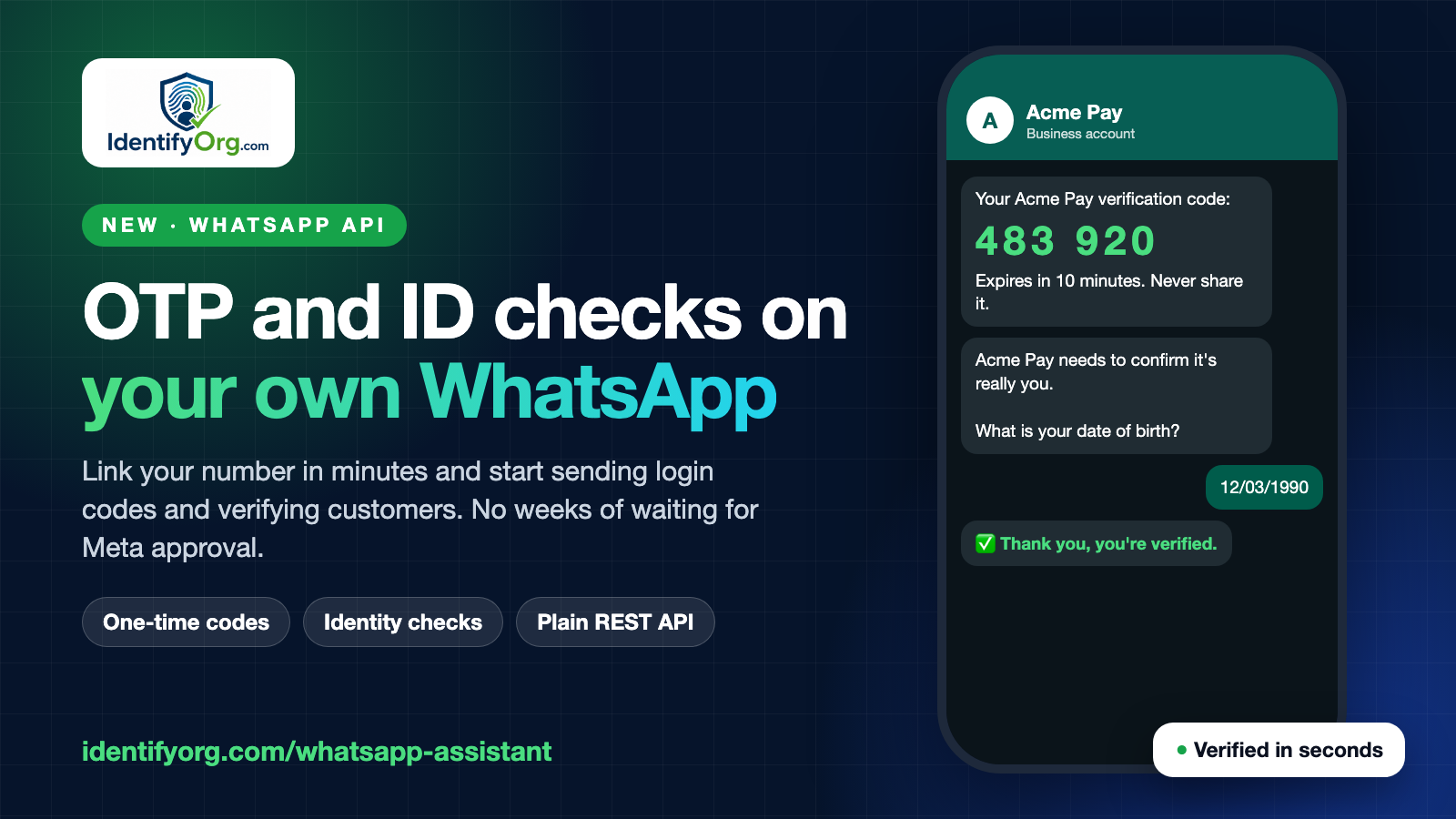
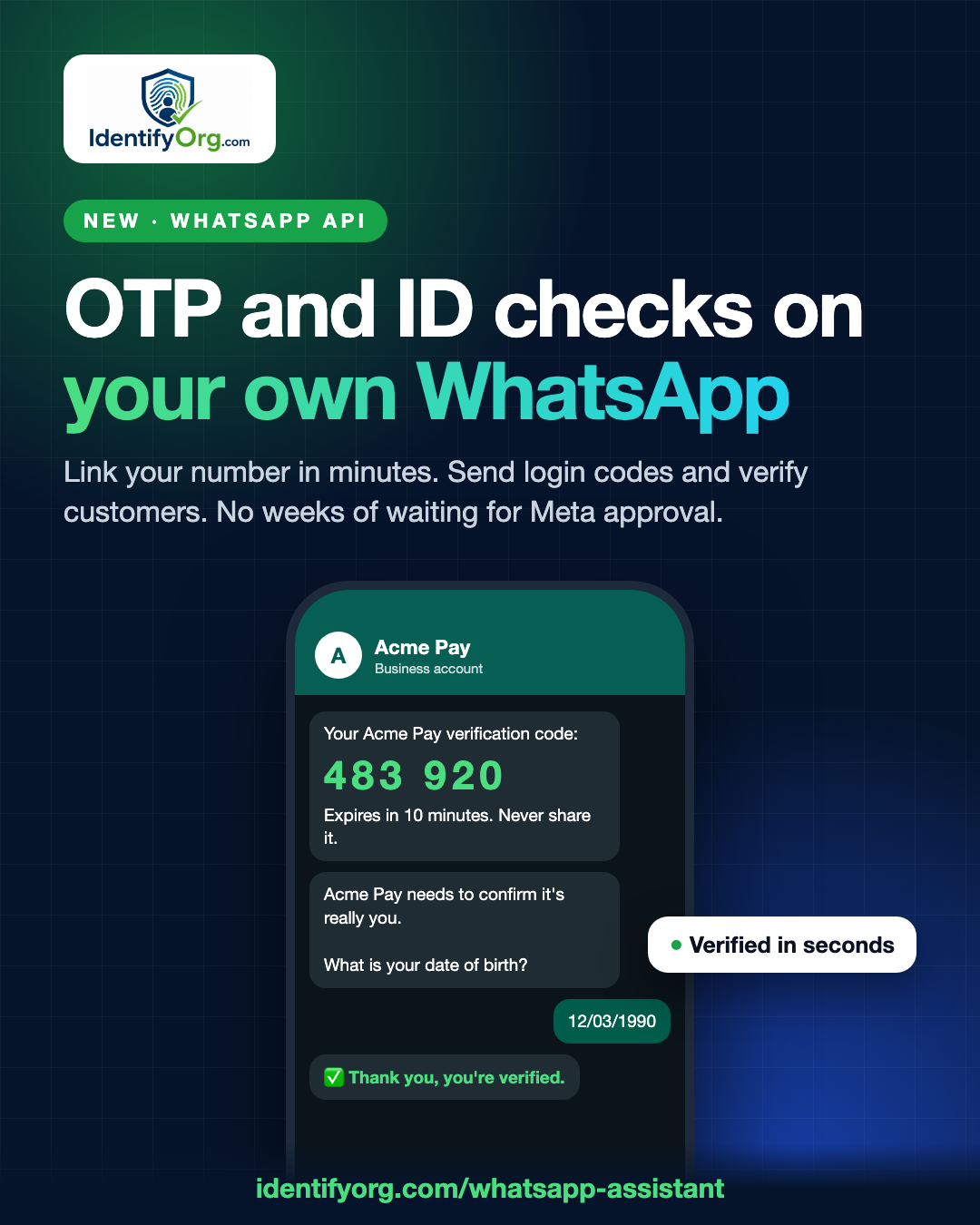
Pass us the customer's phone number. We generate the code, deliver it from your WhatsApp number under your brand name, and later tell you whether the code your customer typed in is correct.
curl -X POST https://api.identifyorg.com/v1/wa/channels/CHANNEL_ID/otp \
  -H "X-IdentifyOrg-Key: YOUR_SECRET_KEY" \
  -H "Content-Type: application/json" \
  -d '{ "to": "2348012345678", "brand": "Acme Pay" }'
Your customer sees: "483920 is your Acme Pay verification code. It expires in 10 minutes. Never share it with anyone."
When they type it into your app, check it:
curl -X POST https://api.identifyorg.com/v1/wa/channels/CHANNEL_ID/otp/verify \
  -H "X-IdentifyOrg-Key: YOUR_SECRET_KEY" \
  -H "Content-Type: application/json" \
  -d '{ "to": "2348012345678", "code": "483920" }'
You get back { "valid": true } or a clear reason it failed (wrong code, expired, too many tries). Codes are stored only as a one-way hash, expire when you say (10 minutes by default) and lock after five wrong guesses.
2. Verify identity by asking a question on WhatsApp
Sometimes a code is not enough. You want to know the person on the other end is who your records say they are. Send a question and the right answer from your own records:
curl -X POST https://api.identifyorg.com/v1/wa/channels/CHANNEL_ID/verify-identity \
  -H "X-IdentifyOrg-Key: YOUR_SECRET_KEY" \
  -H "Content-Type: application/json" \
  -d '{ "to": "2348012345678",
        "question": "What is your date of birth? (DD/MM/YYYY)",
        "expected": "12/03/1990",
        "reference": "customer_8841" }'
Your customer gets the question on WhatsApp and simply replies. We compare their answer with yours, ignoring capital letters, spaces and punctuation, and give them a few tries. Then we tell you the result: verified, failed or expired. You can fetch it any time, and if your website is connected, we also send it a signed verification event as soon as the check ends.
Your expected answer is stored only as a one-way hash. We never keep it in readable form.
Good questions are things only the real person would know and that you already hold: date of birth, the last four digits of an account number, the amount of their last payment, their mother's maiden name.
Why this is fast
There is no business verification queue to wait in. You link a number you already have by scanning a QR code in your dashboard, the same way you link WhatsApp Web, and you can start sending the same day. If you also want the number to answer customer questions with AI or hand orders to your website, it does that too.
Built so it does not become spam
We take this seriously, because a number that gets reported gets limited by WhatsApp. So the rules are strict:
- Only codes and verification questions can be sent to people who have not messaged you first. Free-text broadcasts are not possible.
- Limits per person: at most 3 a hour and 8 a day to the same number.
- Daily cap for your plan: Growth 100, Business 500, Scale 2,000, Enterprise 5,000.
- Every message names your brand and tells the person not to share the code.
- Each message counts toward your monthly messages.
Please only message people who are expecting it, for example right after they tap "Sign in" or "Verify me" in your app.
An honest note about how it works
Numbers are linked with a QR code, which is not the same as Meta's official WhatsApp Business API. It is fast and needs no approval, but WhatsApp can restrict a number that many people report. For most small and mid-sized businesses sending codes to people who just asked for them, that is a reasonable trade for being live today instead of next month. If you need Meta's official channel for very large volumes, you can still add it later; nothing here stops you.
Get started
- Create an IdentifyOrg account and open WhatsApp in your dashboard.
- Choose a plan that includes the website connection (Growth and above) and add your number.
- Scan the QR code with that phone's WhatsApp: Settings, Linked devices, Link a device.
- Create a secret API key and call the endpoints above.
Full reference with every field: WhatsApp API documentation. Learn more about the product at identifyorg.com/whatsapp-assistant.
Comments
Questions and corrections welcome. Be kind; links are limited to keep spam out.