Companies and offices
Give every employee a consistent ID, with a signature and a QR code to the company website.


Pick a style, add your logo and a photo, and download a print-ready front and back.
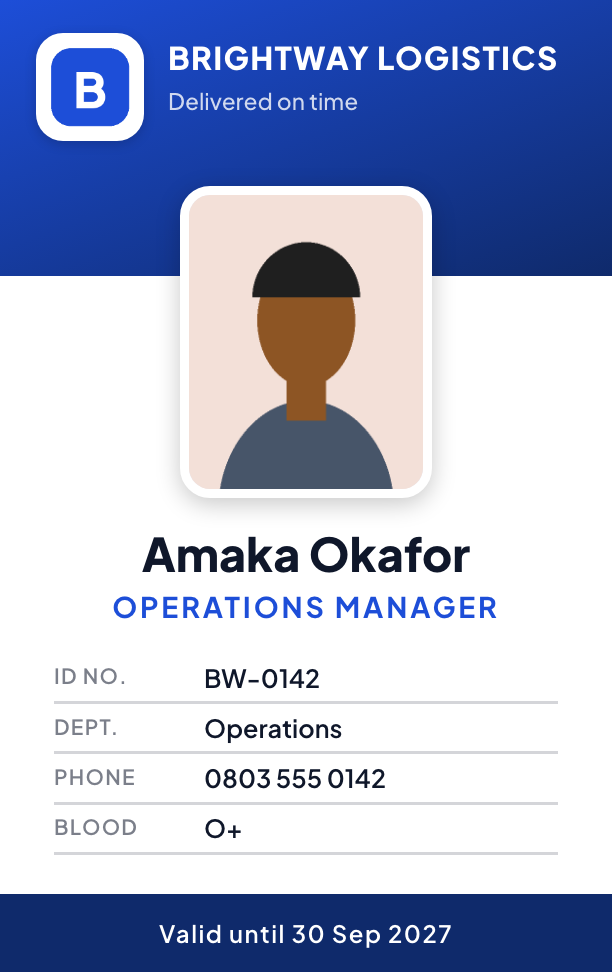
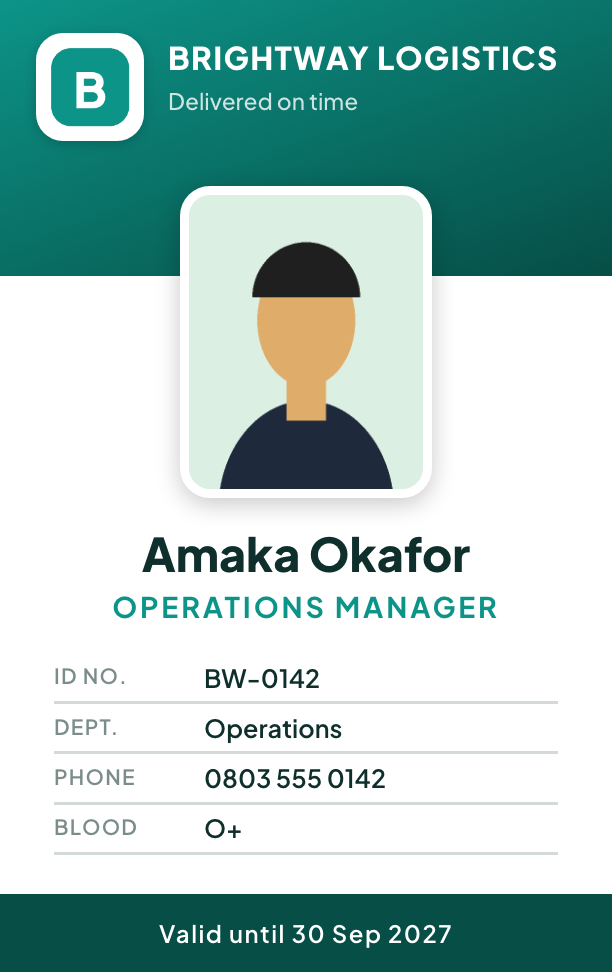
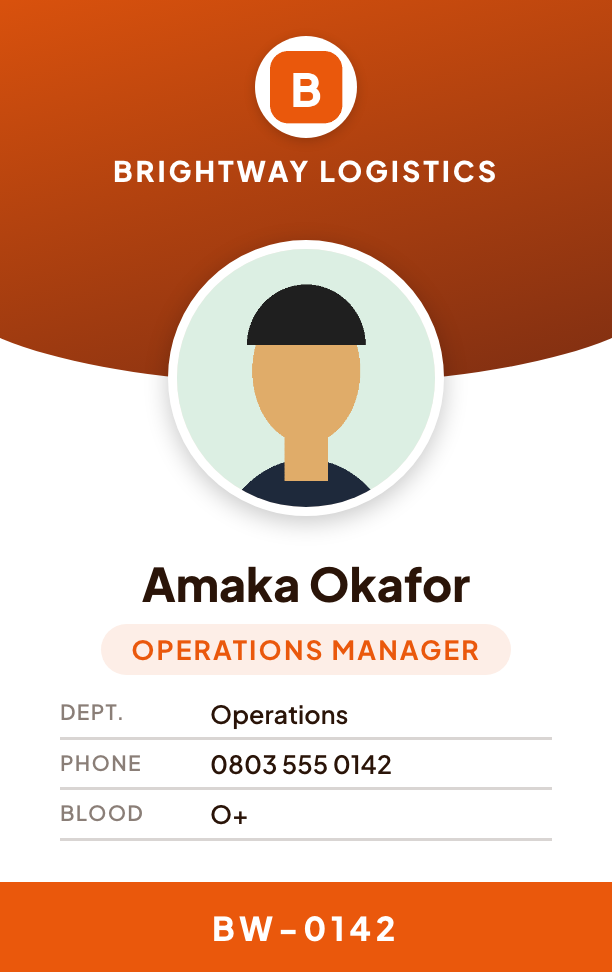
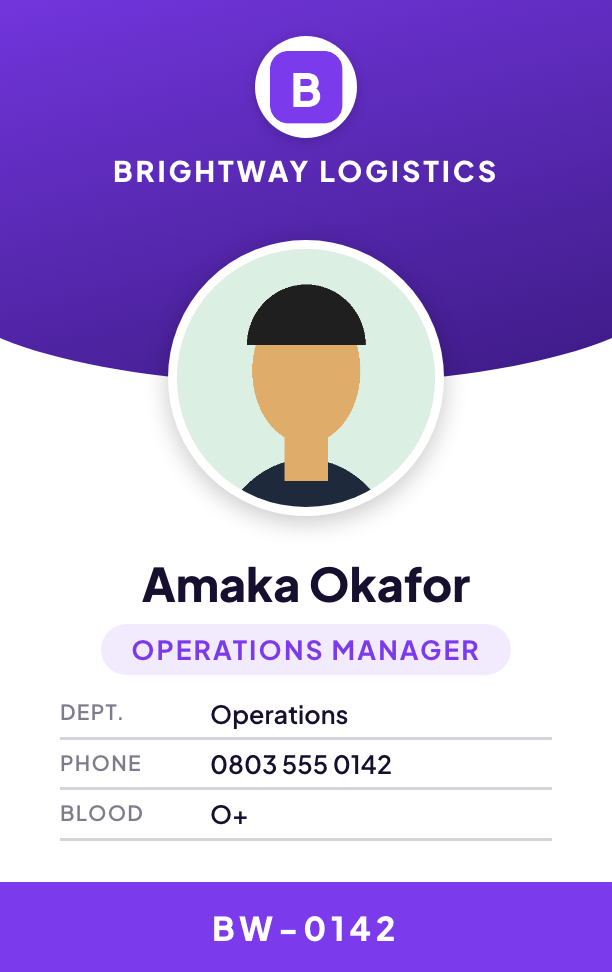
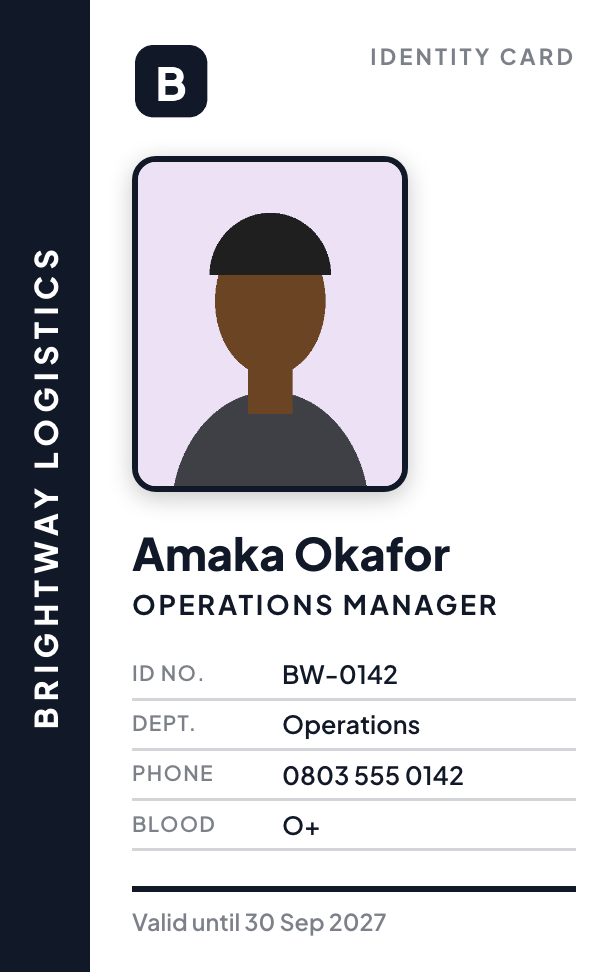
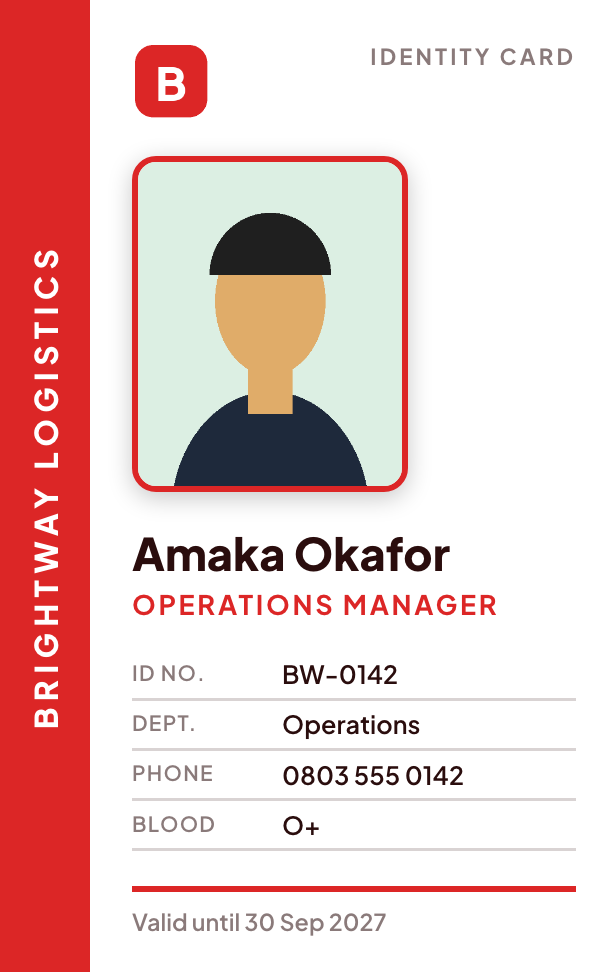
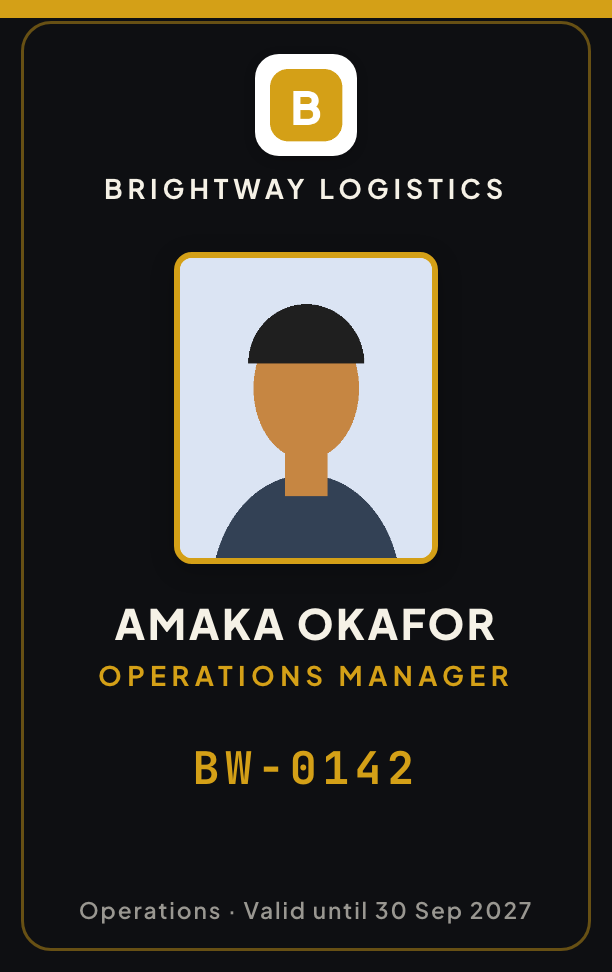
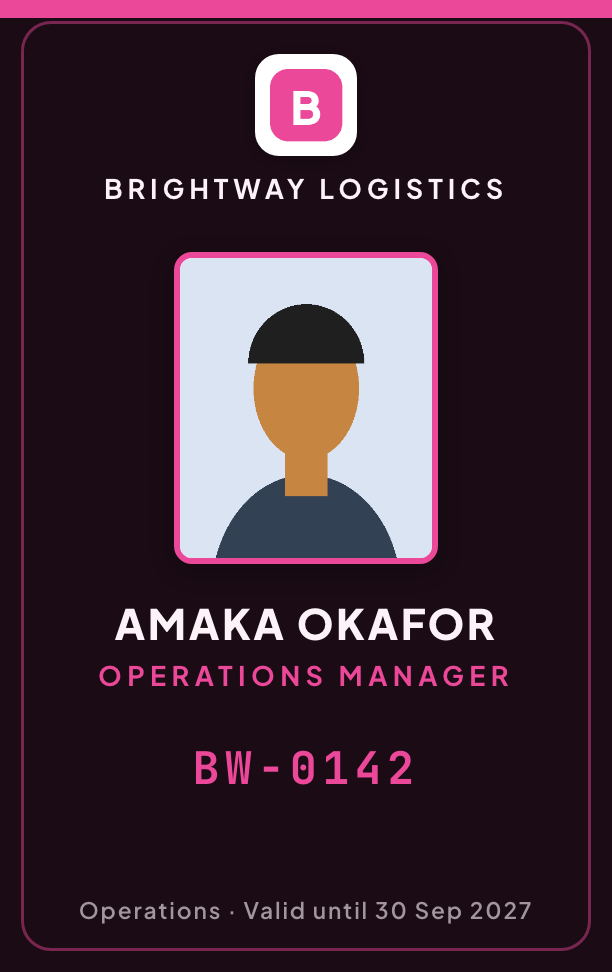
A proper ID card makes your people look like part of a real organisation, helps customers trust who is at the door, and keeps visitors out of places they should not be. Most small businesses skip it because design software is slow and printers want finished artwork. IdentifyOrg turns it into a short form. Choose one of eight designed styles built for different kinds of organisation, from offices and clinics to schools, security firms and shops. Add your logo, the employee's name, role, staff number and passport photo, a QR code to your website or WhatsApp, and the signature of whoever authorises the card. You get the front, the back and an A4 sheet with cut marks, at the real card size (54 by 85.6 mm), ready for any print shop or office printer. Make cards on the website or the app, or just chat with us on WhatsApp and answer a few questions. We remember your organisation and your style, so the next employee takes seconds.
Give every employee a consistent ID, with a signature and a QR code to the company website.
Student and staff cards with a photo, class or department and a validity date.
Staff cards that show role and blood group, so people know who they can trust.
Cards for guards, drivers and field staff that customers and gate teams can recognise and check.
Quick member, volunteer or crew cards for a single event or a whole year.
Open ID & business cards in your dashboard, or message IdentifyOrg on WhatsApp and say you want to make an ID card.
Choose a style, then enter the organisation details once and the employee's details. Send or upload the passport photo and your logo.
Download the front, the back and the A4 print sheet. Print at 100% and cut along the marks, or take the file to a print shop.
I want to make an ID card for my staff
Great, let's make an *ID card*. I'll ask a few quick questions. 🙌 Choose a *style* for the card 👇 (picture of 8 styles)
3
What is the *name of the organisation* (as it should appear on the card)?
Brightway Logistics
The organisation's *address*? (or SKIP)
…
Now send their *passport photo* (a clear photo of the face), or reply SKIP to use their initials.
Here is what I have: *ID card* · style *School* … Reply *YES* to create it (₦150), or tell me what to change, like *change role to Driver*.
yes
✅ Your id card is ready: front, back and a print sheet. Say *another* for the next employee (same style and organisation details).
Create a free account, fund your wallet, and open ID & business cards. Or link your WhatsApp number and chat with us. Previews are free.
You pay only when a card is created. Previews are free, and a card that cannot be drawn costs nothing. You can download or re-download any card you made at no extra charge.
When the test convinces you, the developer section shows exactly how to connect it: the endpoint, the request and response, SDKs for your language and webhooks.
A card costs the price shown above, only when it is created. Previews are free and there is no monthly fee. If we cannot draw the card, you are not charged.
Cards are drawn at the standard bank-card size (CR80, 54 by 85.6 mm). You get an A4 PDF with both sides at real size and cut marks, which prints on any office printer, and high-resolution pictures for a print shop.
Yes. Upload your logo, pick a style and choose any accent colour: type a colour name like red or royal blue, or a hex code like #1D4ED8 (search color picker on Google and copy the code that starts with #, or click a colour in your logo in Canva). The style's layout stays the same so the card always looks balanced.
Organisation name, logo, address, phone, email and website, slogan, employee name, role, department, staff ID, phone, blood group, a validity date, a passport photo, a QR code, the signatory's name and title, and a note on the back.
Yes. Message IdentifyOrg on WhatsApp and say you want to make an ID card. We ask a question at a time, you send the photo in the chat, and the finished card comes back. Link your number to your account first.
Yes. Your style, logo and organisation details are remembered across the website, the app and WhatsApp. When you come back we ask whether to use the same details or change them, so each new employee is quick.
The QR code only opens the website or WhatsApp chat you chose. It does not store the employee's details.
It makes an organisation's staff, student or member card. It is not a government identity document. To confirm who a person really is, use our identity checks (NIN, BVN, liveness and face match).