
IdentifyOrg is now on WordPress: verify customers, collect payments and sell on WhatsApp from your site
A free WordPress plugin for KYC and KYB checks, customer verification, payments and WhatsApp selling, with no code. Here is how it helps your business and how to set it up in about a minute.

IdentifyOrg now has a free WordPress plugin. If your business runs on WordPress or WooCommerce, you can verify the people you deal with, collect payments and sell on WhatsApp straight from your own website, without writing code.
We built it because most small and growing businesses do not have a developer on call. They have a website, a WhatsApp number and customers who need to be trusted. The plugin brings verification to your doorstep.
Download the plugin or read the install guide.
How it helps your business
Know who you are dealing with (KYC). Ask customers, agents, drivers or tenants to verify themselves with an ID number, a selfie and a liveness check before you trade with them. You see the result on their profile in your WordPress users list. Fewer fake accounts, fewer chargebacks and a clear record if a regulator asks.
Check businesses before you pay them (KYB). Look up a company, confirm a VAT number or check a Nigerian CAC registration before you sign a contract or pay an invoice.
Screen for risk. Check a person or company against sanctions and politically exposed person lists.
Get paid. Add a pay button to any page, or switch on the IdentifyOrg payment option in WooCommerce. Customers pay by card, bank transfer or USSD on a secure page, and the money goes to your IdentifyOrg balance.
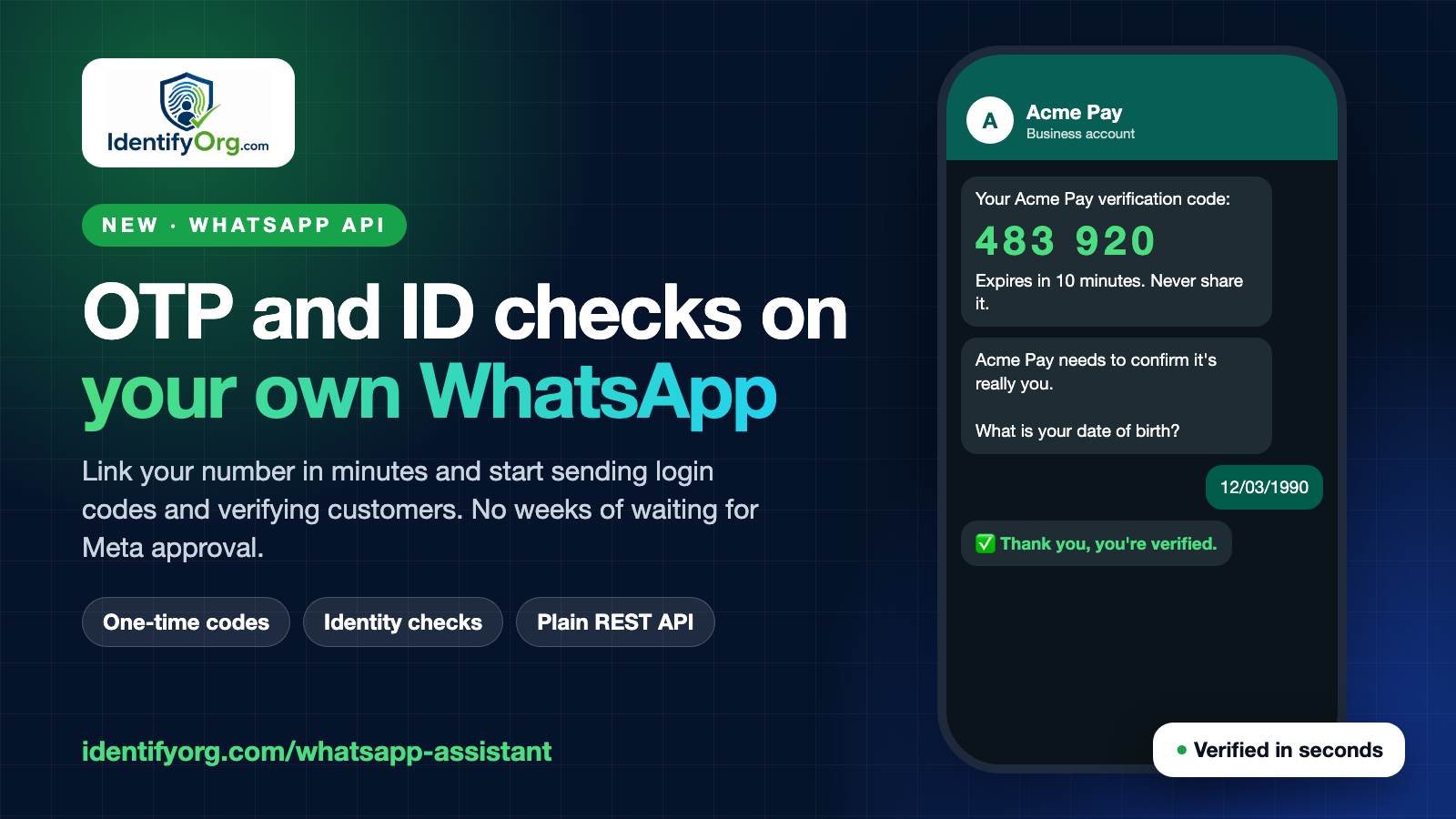
Sell on WhatsApp. Link your WhatsApp number to your shop. A customer sends MENU, sees your WooCommerce products, orders in the chat and receives a payment link. The order appears in WooCommerce, and the customer can get a WhatsApp message when it is paid, shipped or cancelled. An assistant can answer their questions from your own website.
What you can check
BVN, NIN, driver's licence, bank account, BVN and account match, company registration, tax ID, company registries in several countries, VAT numbers, AML and sanctions, politically exposed persons, addresses, phone numbers by SMS code, face match, liveness and ID documents.
How to install it
- Download the plugin from identifyorg.com/integrations/wordpress. Do not unzip it.
- In WordPress open Plugins, Add New, Upload Plugin, choose the file, press Install Now and then Activate.
- Open Settings, IdentifyOrg. Fill in the short form with your business name, email, phone and a password. Your free account and test key are created and saved for you.
- Confirm your email. This unlocks live mode.
That is the whole setup. There is a Help and guides page inside the plugin for every feature.
How to use it
Verify your customers. In Settings, IdentifyOrg, open Verify your own users and choose what to verify: ID number, selfie match, liveness, address, bank account and more. The plugin creates a Verify your identity page for you. Add it to your menu, or put the shortcode [identifyorg_kyc] on any page. In WooCommerce you can make verification compulsory before checkout.
Add a check form to any page. Use [identifyorg_verify] for a picker with every check, or [identifyorg_check type="nin"] for one check. Visitors see a clear verdict such as "Match", not private details.
Take payments. Use [identifyorg_pay amount="5000" description="Deposit"], or turn on IdentifyOrg under WooCommerce, Settings, Payments.
Sell on WhatsApp. Link a WhatsApp number in your IdentifyOrg dashboard, then in the plugin press Show my WhatsApp numbers, choose your number and connect it to your shop.
Safe by default
Your API key stays on your server and is never sent to a visitor's browser. Checks are for signed-in users by default, with an hourly limit and spam protection, so nobody can run up your wallet. Test mode is free, with sample results, until you switch to live.
What it costs
The plugin is free. You pay only for the checks and payments you use, from your IdentifyOrg wallet.
What is next
This is the first plugin. We are bringing verification to the platforms where businesses already work, and more plugins for other platforms are coming. If there is a platform you want us to support, tell us from the contact page.
Ready to start? Download the WordPress plugin and be verifying in about a minute.


Comments
Questions and corrections welcome. Be kind; links are limited to keep spam out.